
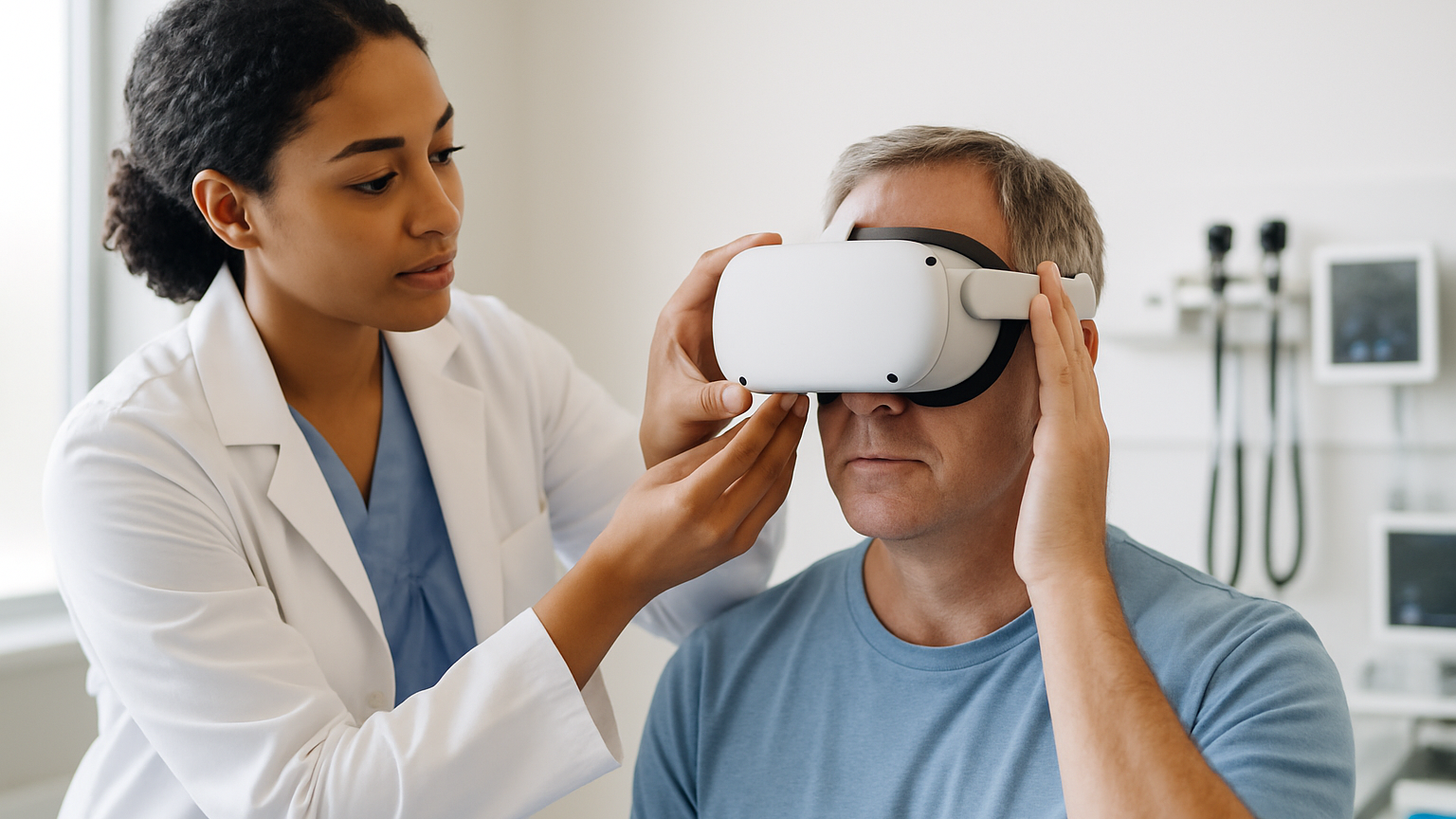
Virtual reality is moving from pilots to everyday clinical use: pain management sessions on demand, therapist‑guided neurodevelopmental training, immersive de‑escalation practice for staff. With that shift comes a practical question: how do you manage dozens of headsets across wards, teams and programs without creating new risks? That’s where MDM for VR in healthcare steps in — not as an IT checkbox, but as the operational backbone for safe, repeatable experiences. When each session might involve a patient, a clinician and sensitive context, you need more than consumer settings and a spreadsheet. You need policy, visibility and controls that actually fit clinical workflows.
Traditional mobile MDM tools were built for phones and laptops. VR brings different realities: controllers that get unpaired, guardians that need to be reset, apps that must auto‑launch into the right scene, and patient turnover every 30–60 minutes. The device may move between therapy rooms with shaky Wi‑Fi or live in a cart battery pool that’s swapped mid‑day. What could go wrong? Plenty — from the wrong app opening during a session to a device silently updating firmware just as a therapist starts guidance.
At RTE Lab, we design, prototype and validate XR and AI‑supported solutions with healthcare teams in mind — from therapy support and rehabilitation to medical and soft‑skills training. Our lens is always human‑centered: patients, therapists, clinicians and educators first; technology second. That philosophy carries into how we think about secure deployment and lifecycle management: keep the experience consistent, keep data exposure minimal, and keep operations realistic for busy teams. The goal is simple: deliver immersive care that scales without surprises.
Why Managing VR Fleets In Clinics Demands More Than Mobile MDM
VR headsets are shared clinical tools, not personal devices. A single unit may see five patients in a morning, led by three different staff members, in two rooms with different lighting and network conditions. Resetting context between sessions isn’t just nice to have — it prevents accidental carryover of preferences, progress states or identifiers. Mobile‑style policies don’t capture that rhythm. VR MDM in healthcare has to think in sessions, roles and rooms, not only users and apps.
There’s also the physical dance of immersive tech. Controllers deplete faster than headsets, boundaries drift, lenses need quick sanitation, and some experiences require seated versus standing presets. If the platform can’t push a kiosk profile that launches the right app, locks menus, enforces casting when needed and verifies controllers are paired — your therapist becomes tech support. And that’s the fastest way to lose clinical momentum.
Security posture changes too. Instead of documents and emails, you’re managing experiences and telemetry. The risk isn’t a lost photo; it’s an unsupervised session or an unapproved build with different stimuli than what was validated. Auditability matters: who started which experience, when, on which device — and how that maps to a controlled protocol. Think less “install this VPN” and more “enforce this therapeutic pathway and prove it happened.”
For whom is heavy VR MDM not necessary? If you run a single headset in a private room, never store or display PHI, and a clinician manually launches and supervises every session, a lightweight setup may be enough. Conference demos and one‑off research exhibits also don’t justify enterprise controls. But the moment you scale beyond a few devices or rotate patients and staff, purpose‑built management stops being a luxury and starts being the thing that keeps sessions on track.
What MDM for VR in healthcare Actually Needs To Cover
Under the hood, effective management comes down to three pillars: protect privacy by design, lock experiences to clinical intent, and ship content at scale without breaking protocols. If a platform nails those, clinics can focus on outcomes rather than workarounds. The rest — inventory, alerts, lifecycle — then falls into place.
Protecting Patient Privacy: PHI, Access Controls, And Audit Trails
Minimize data on device and make access intentional. That means no persistent patient identifiers on the headset, clinician‑only unlock for session plans, role‑based access that separates therapy controls from patient views, and encryption at rest. Map staff to your identity provider for SSO and short, revocable sessions; map patients to ephemeral profiles that auto‑clear after use. Then log what matters: policy changes, app launches, session start/stop times and device state. In practice, most teams want evidence that the validated protocol ran as intended — and the audit trail should show exactly that.
Locked-Down Experiences: Kiosk Mode, Roles, And Remote Support
One‑tap kiosk mode should boot straight into the right therapeutic scene, hide system menus and block unsanctioned apps. Role definitions keep patients inside the experience while therapists can pause, skip or adjust difficulty without exposing settings. Remote assist goes beyond “is it online?” — therapists need optional casting to a monitor for observation, and IT needs the ability to re‑pair controllers, reboot, or push a quick policy fix without leaving the nurse station.
Content At Scale: App Distribution, Updates, And Version Control
Clinical XR lives or dies on consistency. Private distribution channels, staged rollouts, and pinned versions let you validate once and deploy many. Schedule updates outside clinic hours, block auto‑firmware when it risks breaking casting, and keep a rollback plan ready. Because the last thing anyone needs is a surprise firmware update mid‑therapy.
From Pilot To Scale: How An Immersive Innovation Lab De‑Risks Rollouts
Pilots aren’t just about testing content; they’re about testing operations. Enrollment flows, Wi‑Fi realities on each ward, controller swaps between sessions, cleaning protocols, and who does what when something glitches — all of that becomes part of your design. A structured build–test–learn loop turns unknowns into checklists and policies you can trust. It’s the difference between a cool demo and a dependable service line.
RTE Lab’s approach is research‑driven and human‑centered: we align immersive experience design with real clinical and educational context. Through our immersive innovation lab, teams prototype, validate and prepare solutions for pilot implementation in collaboration with clinicians, educators and partners. This process also supports grant‑funded work, helping multidisciplinary teams move from idea to validated concept with the evidence needed for scale. The result is not just working software, but workflows that hold up in the real world.
In practice, most hospitals start with 5–10 headsets across one or two services, refine the protocol and then expand. That expansion only sticks if management scales with it: bulk enrollment, role‑based profiles, version pinning and support models that don’t overload therapists. Think of the pilot as your rehearsal for everything MDM will enforce later — and use the pilot to remove friction before it multiplies.
How Focus VR And Harmony VR Fit Into Managed, Secure Deployments
Therapist‑guided experiences benefit most from reliable session control. The Focus VR platform is designed to support ADHD‑related needs through structured, repeatable exercises that build attention, self‑regulation, working memory and executive function skills. In a managed setup, kiosk profiles can launch Focus VR directly into planned sessions, while role‑based access lets therapists adjust goals or difficulty without exposing system menus. Session summaries and observation support are then easier to align with audit trails from your management layer.
For autism spectrum support, the Harmony VR experience focuses on creating safe, guided environments for practice and gradual skill development. Managed deployments help keep those environments consistent across devices and rooms, with profiles that fit the user’s sensory needs and session pacing. The aim is not to replace therapy, but to provide a controlled, engaging tool that therapists can rely on — and that IT can support at scale.
Across both experiences, the pattern is the same: validate the protocol, pin the version, lock the pathway, and ensure staff have the right controls without increasing patient exposure to settings. That’s where MDM for VR meets clinical intent — a blend of user experience design, privacy‑by‑default choices and practical operations.
Integrating With Clinical Systems: Identity, Networks, And Data
Identity comes first. Map clinician access to your existing SSO (e.g., enterprise identity providers) with short‑lived sessions and role scopes that mirror real responsibilities. Patients should never need accounts on the headset; instead, use ephemeral profiles that clear data between uses. This alignment reduces overhead and makes offboarding automatic.
Networks are the next constraint. Many wards run WPA2‑Enterprise or certificate‑based access; your VR management should handle EAP‑TLS profiles, rotating credentials and captive portal avoidance. Staged content delivery respects bandwidth windows and ensures devices are therapy‑ready at opening time, not mid‑update. When Wi‑Fi is patchy, allow offline sessions with safe local caches that auto‑purge after completion.
Finally, data flows should be deliberate. Stream operational logs to your SIEM, expose webhooks for policy events, and keep clinical data within validated systems rather than on the headset. If you do export progress indicators for pilots or research, treat them as minimal, de‑identified and consent‑aligned. MDM for VR is as much about what you choose not to store as what you enable.
Vendor Questions That Matter: A Buyer’s Checklist For Healthcare Teams
Evaluating platforms is easier when you ask concrete, operations‑level questions. You’re looking for proof that clinical workflows, privacy expectations and scaling realities have been designed into the product — not bolted on. Use the pilot to verify answers in practice, not just in slides. And remember: a good partner will welcome tough questions.
- Enrollment: How do you bulk‑enroll headsets and assign role‑based profiles for patients and clinicians?
- Kiosk: Can you lock to a single app/scene and hide system UI reliably across updates?
- Versioning: How do you pin, stage and roll back app and firmware versions for validated protocols?
- Remote support: Can IT re‑pair controllers, reboot, cast and push policy fixes without touching the device?
- Audit: What events are logged (policy changes, app launches, session start/stop) and how can logs be exported?
- Identity: Does it integrate with enterprise SSO and support short‑lived, scoped clinician sessions?
- Networks: Are WPA2‑Enterprise/EAP‑TLS profiles supported and can updates be scheduled off‑hours?
- Privacy: How is PHI avoided on device and what auto‑clear policies exist between sessions?
- Inventory: Can you track device health, battery cycles and last‑seen status at a glance?
- Offline: How are offline sessions handled and safely synchronized later?
- Scalability: What’s the plan from 10 to 100+ devices — any performance or policy limits?
- Roadmap: How does the platform plan to support emerging XR hardware and mixed reality features?
Ask these, validate them during a real clinic day, and you’ll quickly see which vendors understand the stakes. That’s the practical path to making MDM for VR in healthcare an enabler — not another system to babysit. When management aligns with human‑centered design and clinical context, immersive care scales with confidence.