
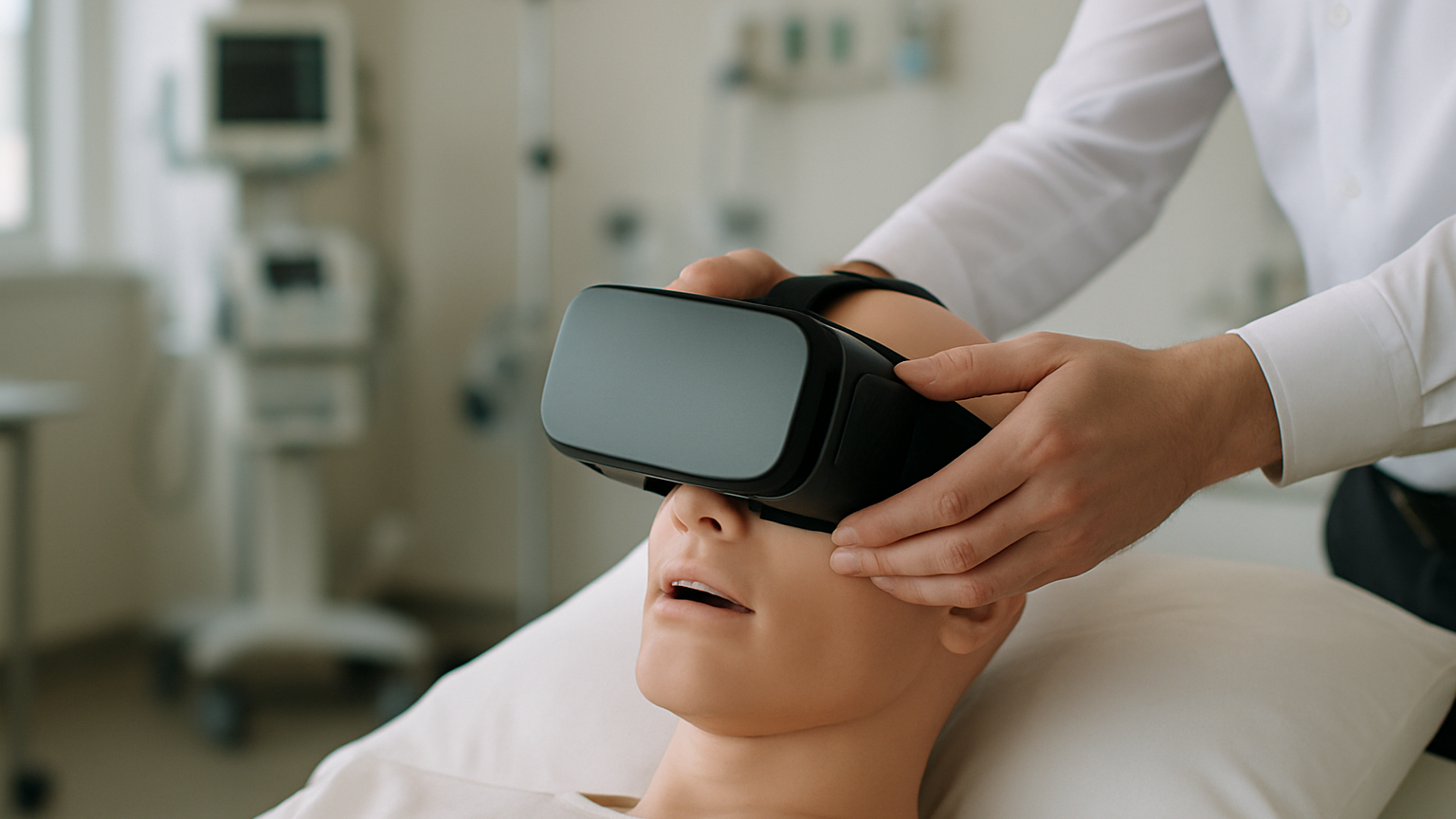
Picture your sim lab on a Tuesday morning: two cohorts rotating through airway management while a faculty member shadows soft‑skills scenarios in the next room. Headsets are being wiped between users, Wi‑Fi is busy, and you need the session to just work. That’s the moment when the difference between a nice consumer device and a dependable training tool becomes very real. Choosing the best headsets for healthcare training isn’t only about specs; it’s about fit for people, places and protocols. Think comfort for 30‑minute sessions, controllers that make sense to non‑gamers, and hygiene features that survive dozens of wipe‑downs per day. The right choice turns VR from a cool demo into repeatable, scalable training.
So where do you start? With learning outcomes and constraints. What skills are you training, how many learners share devices, how locked‑down does IT need things to be, and how will you measure impact? In practice, most teams realize after the first pilot that content quality and ergonomics beat raw benchmark numbers. And one blunt truth: if the strap hurts after 10 minutes, it’s a no. Let’s walk through the criteria that will help you pick, test and roll out a fleet that supports real clinical education.
Best VR Headsets For Healthcare Training: What To Look For
Start with human factors. Weight distribution, forehead and cheek pressure, and heat build‑up decide whether learners stay engaged or start adjusting the strap every minute. Look for easy IPD adjustment and a face interface that accommodates glasses without pinching. Audio should be clear enough for debrief prompts and patient voices without leaking too much into the room; integrated headphones help, but open‑ear can be safer if you need to monitor the environment. Hand presence matters too: reliable controller tracking and intuitive haptics reduce cognitive load for first‑time users.
Optics and tracking come next. A sharp sweet spot with minimal glare reduces eye strain, while stable 6‑DoF tracking keeps instruments and hands where learners expect them to be. If you plan blended simulations or safety walk‑throughs, high‑quality color passthrough becomes critical for spatial awareness. For multi‑user sessions, verify Wi‑Fi stability and low‑latency voice; if your building is RF‑noisy, you may prefer tethered rigs for critical assessments. And if you’re running AI‑driven patient dialogs or complex environments, test on‑device performance against your actual scenarios—not just a canned benchmark.
Enterprise readiness often decides the winner. You want Mobile Device Management (enrollment, remote updates), single‑app or kiosk modes to prevent learners from wandering into system menus, and SSO where possible to simplify provisioning. Hygiene features—removable PU or silicone facial interfaces, replaceable straps, and materials rated for hospital‑grade disinfectants—are non‑negotiable in shared use. Finally, check the accessory ecosystem: charging docks, battery swaps, prescription inserts, and protective cases save hours over a semester. This is how you separate the best VR headsets for healthcare training from nice gadgets.
One more reality check: this is not for you if your goal is one off “wow” demos with no plan for curricula, assessment or maintenance—consumer headsets on a rolling cart will feel cheaper, but the hidden costs show up quickly. Teams building structured programs typically combine the right hardware with robust content and data capture, which is exactly where integrated solutions shine. If you’re planning advanced simulation or therapeutic use, explore how devices and software come together within our XR & AI MedTech Solutions to keep pilots focused on outcomes rather than troubleshooting.
Standalone, Tethered, Or Mixed Reality? Picking The Right Class
Device class shapes everything from mobility to fidelity. Standalone headsets are self‑contained and excel for portable skills labs, outreach programs, and rooms without high‑end PCs. Tethered headsets connect to a workstation and deliver top‑tier graphics for intricate anatomy or instrument training, at the cost of cables and fixed setups. Mixed reality (MR) blends passthrough video with virtual content—ideal for procedure prep around real equipment, safety drills, and spatial orientation. Choosing among them is less about buzzwords and more about where and how you teach.
A simple way to compare the trade‑offs is to map them to your constraints: space, IT policies, and the complexity of your scenarios. If your Wi‑Fi is patchy or your firewall strict, a tethered rig in a controlled room may be your best friend. If you run back‑to‑back sessions across campuses, standalone saves setup time and headaches. And when situational awareness is a safety requirement, MR’s high‑quality passthrough can be a game changer.
- Standalone: mobile, fast to deploy, good for soft‑skills and foundational tasks | Watch for MDM support, battery life, and hygiene accessories
- Tethered: highest visual fidelity and tracking stability | Requires PCs, cables, and fixed spaces; great for complex procedures
- Mixed Reality: real‑world context with virtual overlays | Demands quality passthrough and precise anchoring; excellent for equipment‑adjacent training
There’s also a people factor. Learners new to immersive tech often perform better when friction is near zero: quick onboarding, clear controllers, and a single app that launches automatically. Faculty need reliable casting for observation and debrief, and facilities managers care about cable management, storage, and charging workflows. If your environment can’t support PCs or cable runs, don’t force it—pick the class that fits your space and staff capacity.
Will It Run Your Scenarios? From XR Training To Clinical Communication
Performance must be validated against your real use cases. Skills training with precise hand‑eye coordination demands rock‑solid tracking and stable 72–90 Hz refresh to avoid judder. Clinical communication simulations rely on clear voice capture and expressive virtual patients—often powered by AI—which stresses CPU and on‑device NLP. Multi‑user sessions bring their own challenges: synchronized states, low‑latency voice, and anti‑cheat protections if you’re assessing decisions. Don’t assume parity across headsets; bring your content and run the same scene on every candidate device.
Content format matters too. If you’re mixing 3D simulations with 360° video debriefs, check codec support and streaming stability. If accessibility is a priority, test subtitles, controller remapping, and seated/standing equivalence. For privacy‑sensitive interactions, confirm local data handling, offline modes, and audit trails for assessments. And if you want AI‑driven patient engagement or adaptive feedback, evaluate how your stack integrates with available runtimes in each device class.
Real life note: after a few sessions, one recurring issue is controllers drifting out of calibration right when learners get into the flow—have a 10‑second re‑center protocol and keep fresh batteries or charging docks ready. If you’re unsure how to translate learning outcomes into testable device requirements, co‑designing a thin slice of content is a fast way to learn. That’s a common step in our Research & Development process, where we prototype, test and validate against clinical and educational contexts before you commit to scale.
From Pilot To Rollout: Procurement, MDM, And Infection Control
A strong pilot bridges excitement and operations. Treat the first 6–8 weeks as a learning phase to lock down device settings, room layout, wipe‑down routines, and faculty workflows. Your procurement path, IT policies and clinical hygiene standards should be represented at the table from day one. The goal isn’t perfection; it’s a reliable, repeatable flow that holds up when you scale to dozens of learners per week.
Device Management And User Provisioning (MDM, SSO, Kiosk Mode)
Enterprise MDM saves hours. Enroll devices in a single console, push Wi‑Fi and certificates once, and auto‑update apps during off‑hours. Lock down the launcher with single‑app or kiosk mode so learners land in the right scenario every time. If your institution supports SSO, evaluate whether device or app‑level SSO is feasible to reduce account sprawl. For shared devices, consider role‑based access that separates learner, faculty and admin actions.
Provisioning tips from the field: name devices with room and cart numbers, color‑code straps for quick identification, and keep a laminated quick‑start card in each case. Set a consistent guardian boundary policy to prevent mid‑session prompts, and disable features that can distract first‑timers. If you’re integrating analytics or LMS sync, map data flows with IT before the pilot so exports don’t become a manual chore later.
Infection Control And Shared-Use Protocols
Shared use raises clear hygiene requirements. Prefer removable PU/silicone facial interfaces over absorbent foams, and verify compatibility with the disinfectants your facility already uses. Build a wipe‑down sequence into the session flow with visible timers—clean hands, clean device, clean controllers—and assign ownership so it never becomes “someone else’s job.” If you deploy MR, remember that passthrough cameras need gentle cleaning to avoid smearing that degrades safety and immersion.
Storage and charging also matter. Docks or carts that keep headsets upright improve airflow and speed up turnaround. Keep spare facial interfaces to rotate while others dry, and track usage to replace wear items before they become a problem. UV cabinets can supplement wipe‑downs, but they’re not a substitute for manufacturer‑approved disinfectants. Simple, repeatable, fast—that’s the protocol learners will actually follow.
Pilot Design, Analytics, And Stakeholder Training
Design your pilot like a mini study. Define target competencies, baseline measures, and what “success” means—completion time, error rates, communication checklists, confidence scores, or all of the above. Recruit a small but diverse cohort to expose edge cases early: glasses wearers, left‑handed learners, faculty with different comfort levels. Capture qualitative feedback right after sessions; the small frictions people mention casually often predict scale issues.
Train the trainers. Faculty need a playbook for onboarding, debrief, and light troubleshooting. Admins need a reset routine, and champions need a channel to surface insights to leadership. When content and devices are co‑designed and validated—an approach we follow in our Research & Development process—rollout conversations shift from “Will this work?” to “Here’s the schedule and the metrics we will track.”
Budget, TCO, And Grant-Funded Paths To Adoption
Total cost of ownership is more than boxes and headsets. Budget for accessories (charging docks, spare face interfaces, prescription inserts), content licenses or custom scenarios, MDM seats, and faculty time for onboarding and debrief. Add cleaning supplies and replacement parts to your per‑learner cost. If you use multi‑user networking, plan for bandwidth or on‑prem infrastructure. The cheapest device on paper often becomes the most expensive in operations.
Map costs to outcomes. If a scenario reduces time‑to‑competency by a week or standardizes assessment across cohorts, that value justifies investment in reliability and analytics. Leaders respond well to side‑by‑side TCO models that include staff time, failure modes, and downtime risk. And yes, budgeting for the best VR headsets for healthcare training should include a replacement and sanitation plan—because wear and tear is inevitable.
Grants and innovation funds can accelerate adoption when used strategically. Early‑stage projects benefit from structured R&D that turns ideas into validated prototypes ready for pilot—an approach that aligns with collaborations across universities and healthcare innovation programs. If your proposal ties immersive training to measurable outcomes and includes an implementation plan, reviewers take notice. This is where a partner versed in both XR and healthcare can strengthen your case and reduce risk.
Partnering With RTE Lab To De-Risk Device And Content Decisions
Hardware only works when it serves the experience. At RTE Lab, we design, prototype and validate immersive training and therapeutic applications with a human‑centered lens—spanning XR training simulations, clinical communication, rehabilitation scenarios, and neurodevelopmental tools. That means we test across device classes, optimize comfort and flow for real users, and build the analytics you need for assessment. The result: you invest in a stack that fits your learners, clinicians and IT, not just a spec sheet.
If you’re still comparing options, we’ll help you scope a thin‑slice prototype that runs on two or three candidate headsets, define success metrics, and run a structured pilot. Along the way, we set up MDM, SSO or kiosk configurations, hygiene workflows, and debrief routines so your team owns the process. When you’re ready to scale, our structured product development turns pilots into maintainable programs with clear update paths.
Whether your roadmap includes AI patient engagement tools, soft‑skills simulations, or therapy support, you can explore how devices, content and analytics come together in our XR & AI MedTech Solutions. And if you want to de‑risk grant‑funded innovation further, our team’s early‑stage methods—interactive prototypes and proof‑of‑concept solutions validated with stakeholders—keep momentum while protecting budgets. By the time you finalize a shortlist of the best VR headsets for healthcare training, you’ll also know exactly how they’ll perform in your curriculum and your building.